
Variables
Add variable
Section titled “Add variable”Once in the edit variables section, Click Add Variable
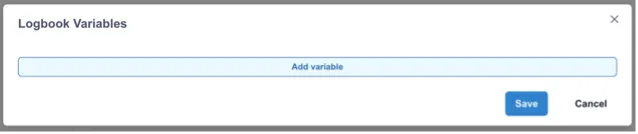
This will show a list of existing variables (if any).
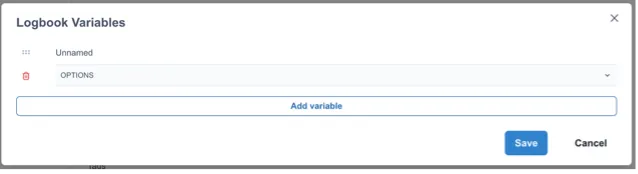
Click the dropdown to reveal the fields to fill in.
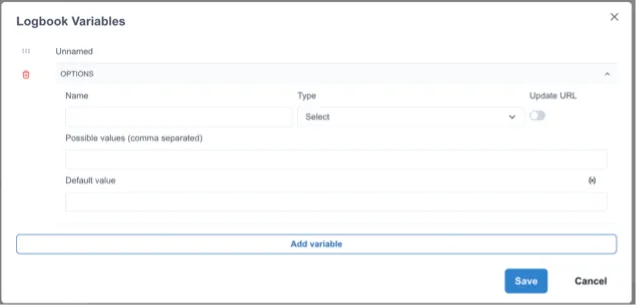
Name
Name your variable
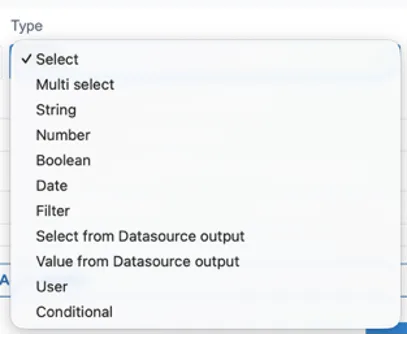
Type
Choose a variable type – default will be select.
- Select
- Multi select
- String
- Number
- Boolean
- Date
- Filter
- Select from Datasource output
- Value from Datasource output
- User
- Conditional
Refer to Variables section for more information on variable types.