

Select
6.1.1 Select Type variables
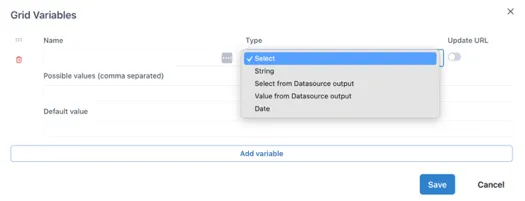
Section titled “6.1.1 Select Type variables”The Select type variable lets a user select from a pre-defined list of options. These are typed as a comma-separated list in the “Possible values” field. For example,
Aa, Bb, Cc
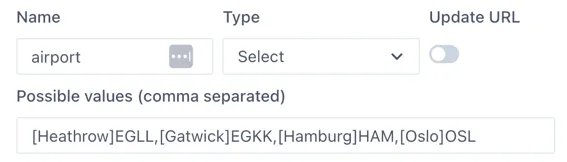
To show a more user friendly name to the user, labels can be defined in square brackets before each variable:
\[Label 1\]Aa,\[Label 2\]BbFor example, a list of possible airports with their codes would be defined as:
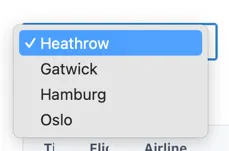
The user will see:
Use “Default value” field to define the value that will be selected the first time the page loads (and if there is no value passed in the URL).