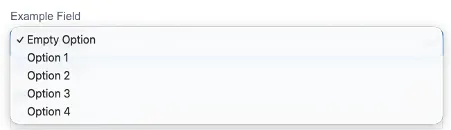

Select
What is the Select field?
Section titled “What is the Select field?”The ‘Select’ field option enables you to create dropdown selection with specific entries.
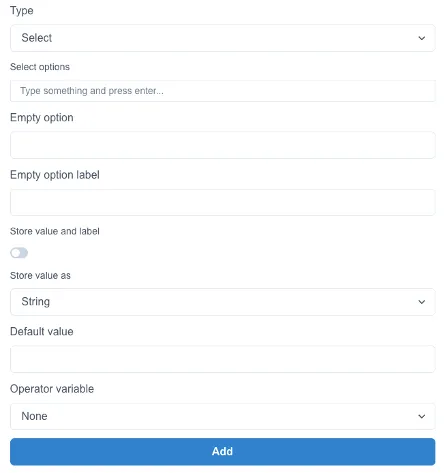

To configure the selection, fill in the additional fields required for this field type:
Select Options

Type something and press enter after each entry.

Use the arrows to change the order of your entries.
To remove an entry, press the x
Empty option

This value will be stored by default if no other option is selected. This option is not visible to users (they can only see the Label)
Empty option label

Label for the Empty Option (visible to users)
For example: Empty Label = off but Empty Option = 0. Users will see Off but the form will store the value of 0.
Store value and label
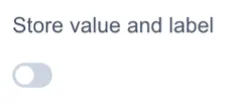
By default only the Empty Option will be stored. Toggle store value and label to store both.
Store value as

Number - If you intend to receive number input then store the value as Number.
String - If you intend to receive text input then store the value as String.
How is this displayed in the add entry form?