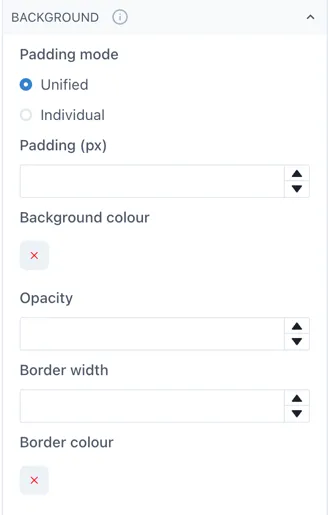

3.3 Editor
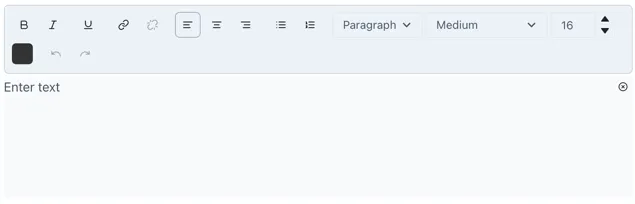
An editor widget allows you to allocate a space in the dashboard where users can edit text without switching the dashboard to edit mode. This is particularly useful for reports when you wish to add comments or notes on the values reported. When you go out of edit mode, the Editor widget will have an edit icon on the top right. Select this icon to edit the text inside the editor.
Edit your text as you would in a text widget. When done, you can select the close icon located where the edit icon was previously, this will hide the edit menu and give it the seamless appearance it had before. Inside the editor you can style your text in the desired format, enumerate lists, change the color and size of the text and link text to another Ingenuity 7 page or to an external URL.