
Select from Datasource output
6.1.3 Select from Datasource Output Type
Section titled “6.1.3 Select from Datasource Output Type”This variable type takes the list of possible values from any of the installed data sources in Ingenuity. Much like the configuration of a component on a dashboard, the data source is selected from a dropdown list and the fields underneath will update to reflect the inputs and outputs from that data source.
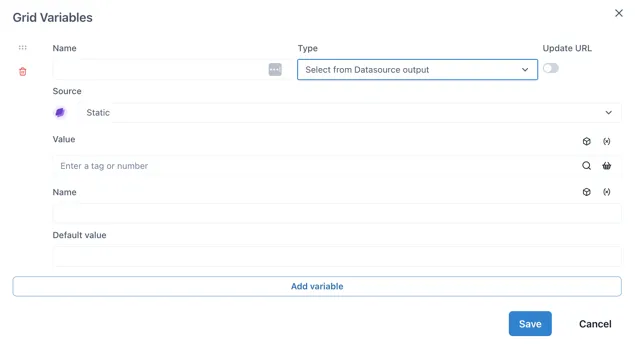
Where the data source requires an input, this can come from other page variables (by clicking the (X) icon) or the Knowledge Graph (cube icon).
Variable name must be prefixed with ”$”
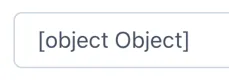
Section titled “Variable name must be prefixed with ”$””The “Select from Datasource Output” type variable is an advanced variable that can contain a data object rather than a single value or string. Because of this, the variable name must be prefixed with a dollar sign ($). For example, “$foo”. If the variable name does not start with ”$”, the Control component connected to it will show