

Date
6.1.5 Date Type
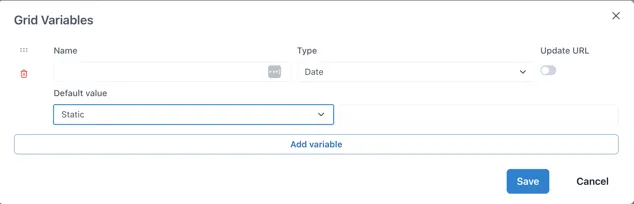
Section titled “6.1.5 Date Type”Date type variables store a timestamp.
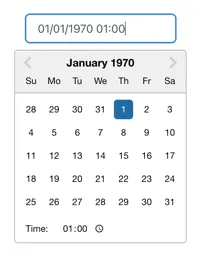
When connected to a Control component, users can select the data and time from a date picker:
Default value
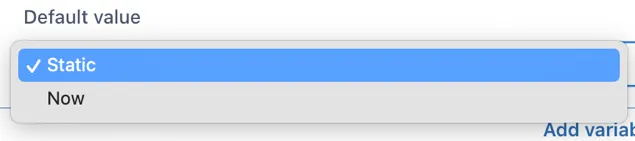
Section titled “Default value”The default value has two options: “Static” and “Now”
If “Static” is selected and the value field left blank, the date picker will start at 1st Jan 1970, which is most probably annoying for users. Clicking in the field to the right of the dropdown will show a date picker and it is a good idea to set a date (and time).
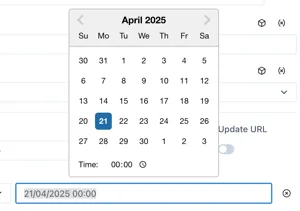
Selecting “Now” will show additional configuration options:

Offset: -1d for yesterday,
Default minute: [0 — 60] Set to 0 for the start of the nearest hour
Default hour: [0 — 24] Set to zero for midnight, 8 for 08:00 etc.
Default day: [1^st^- 31^st^, Last] Select the day of the month
For example, to default to midnight on the 1^st^ of the month:
