
3.14 Dial
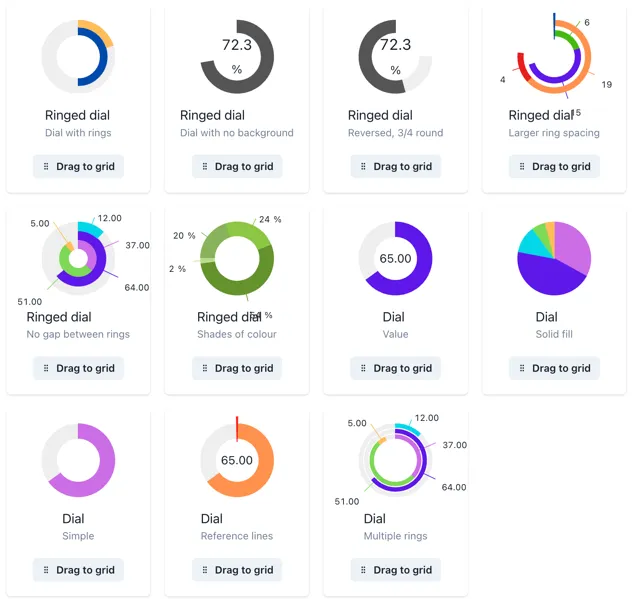
Dials can have one or multiple values in the same widget. Explore some of the dial templates in the widget menu, you will find an ample selection of options with one or multiple rings.
Tags and calculations can be added in the Value section of the widget menu, and you can keep adding items as desired. Initially, values are set as slices of the dial, but you can change them as lines by clicking the cog wheel next to the source and changing the Type to Line.
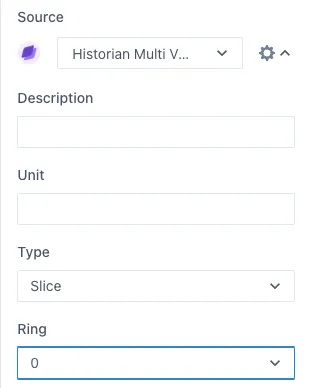
You can have multiple rings on the same dial, to change an item to another ring, change the Ring number in the same cog wheel button.
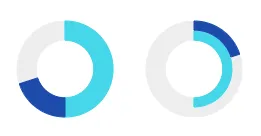
Change the minimum and maximum values in the Min/Max Values section and display or hide the values in the Format Value section. Under this section you can also decide if you want to show the background of the dial, meaning the “empty” space between the value and the maximum value. Here is an example of a dial showing and hiding this background.

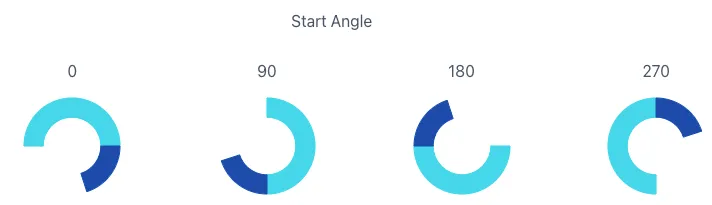
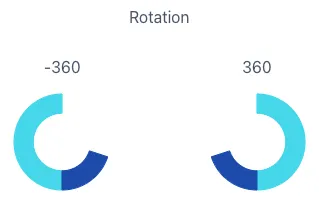
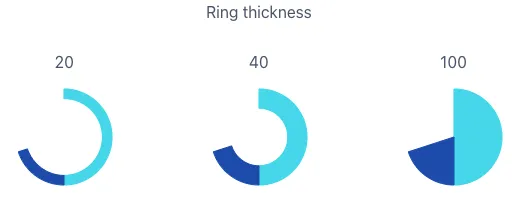
Under the Format rings section, you can modify the start angle of the rings, dial size and rotation direction, ring thickness and the gap between rings. Here are some examples of how these values change the dials.