

3.15 Gauge
In gauges, the main value you add will be identified by the needle and the value at the bottom. Several templates of gauges can be found in the widget menu in the three-dot button in the Gauge widget.
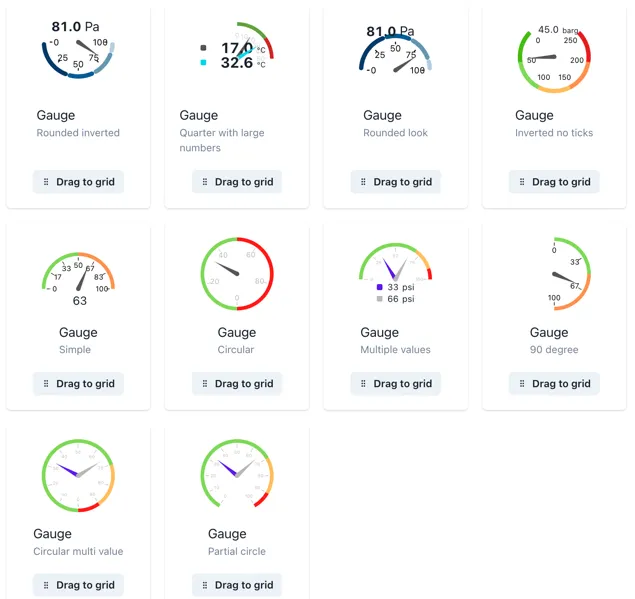
You can change the minimum and maximum values of the gauge as well as adding different threshold values as reference.
The threshold values act like a dial or level with several stacked values, and it is recommended for better visual display that the sum of the thresholds is equivalent to the maximum gauge value. Here is an example of a gauge with 3 threshold values of. 33.33 each and a maximum of 100.
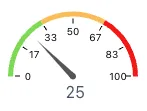
Remember that the thresholds act like a stacked bar or value, therefore, you might need to make small adjustments or calculations to display the thresholds correctly.
You can change the ring format in the same way as with a dial and style the ticks within the gauge to optimize the widget to your needs.