

The Common Menu
How to navigate to the common menu
Section titled “How to navigate to the common menu”Right Clicking on impaired SECEs, barriers, or criticalities launches the Common Menu. (In some BSP configurations it may be triggered with a left click).
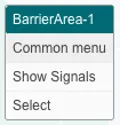
This unique menu shows additional information about the reason for the impairment and provides direct links to the source data in other systems, such as maintenance records or risk assessments.
Understanding the common menu
Section titled “Understanding the common menu”Barrier
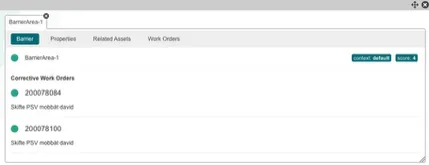
Context & Score
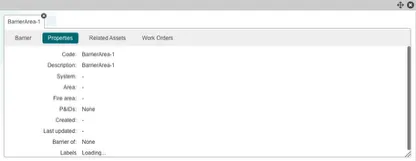
Properties
Related Assets
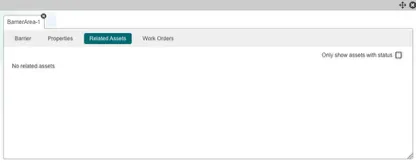
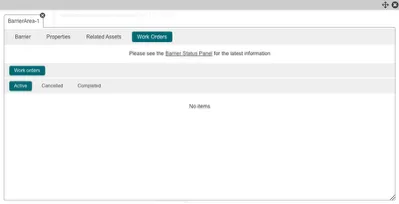
Work Orders
- See whether the work orders are active, cancelled or completed.
Features of the Common Menu
Section titled “Features of the Common Menu”Add multiple Barriers to the common menu to compare.
To add multiple barriers to the common menu, repeat the same action of adding to common menu on different barriers.
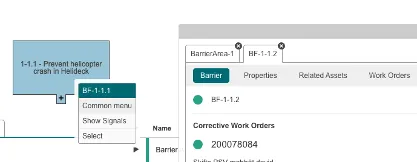
Easily switch between them by clicking on the barrier tabs.
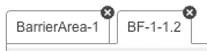
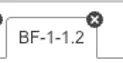
To remove a barrier from the menu, press the x in the corner.
Move common menu anywhere on the screen using the drag button.

When you are finished with the common menu you can close it by clicking the x in the corner.